Employee time tracking · macOS, Windows & Linux

Time tracking that respects the people it measures.

Employee time tracking & activity monitoring for macOS, Windows & Linux. App time, keystrokes, screenshots and browsing — in one clean dashboard.

macOS · Windows · Linux
  • Privacy mode built in
  • Data stored locally first
  • macOS, Windows & Linux
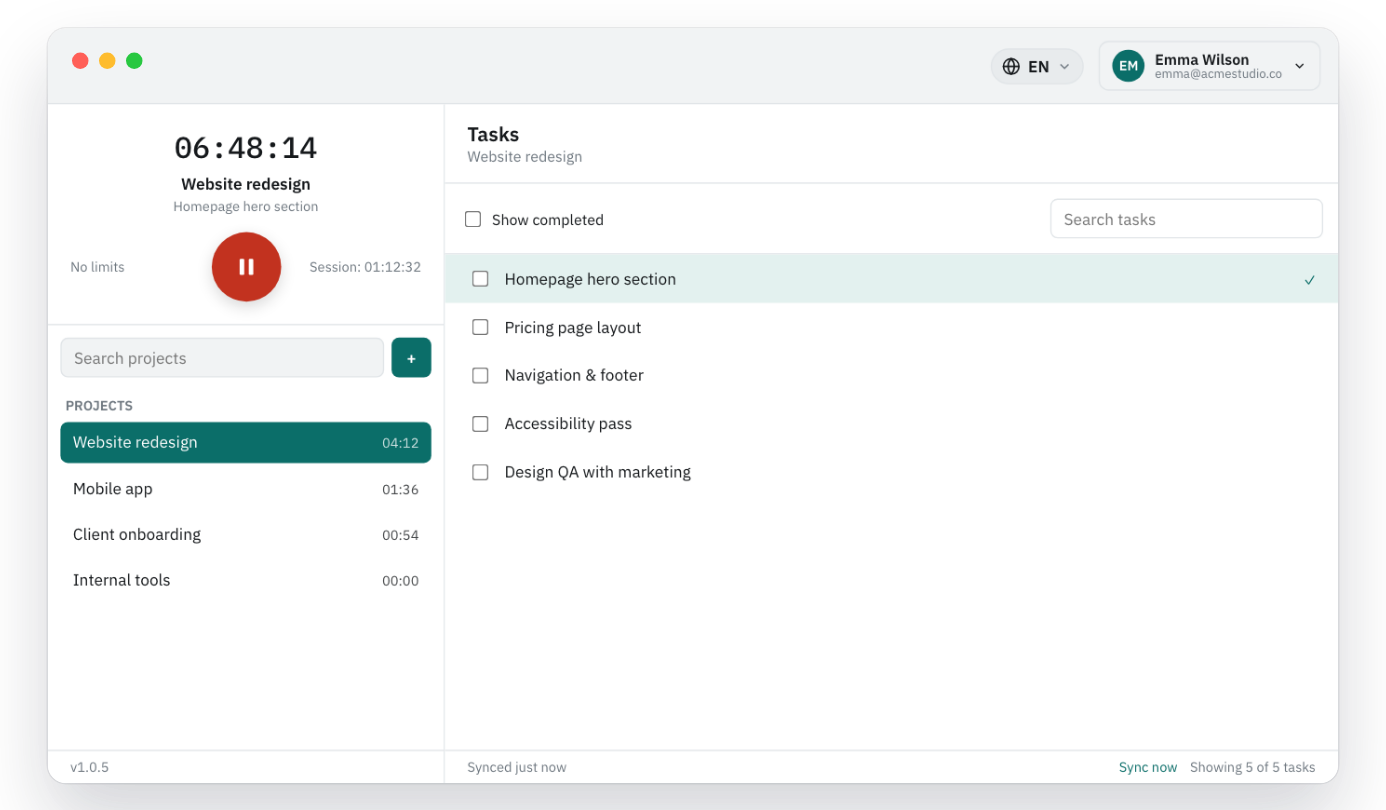
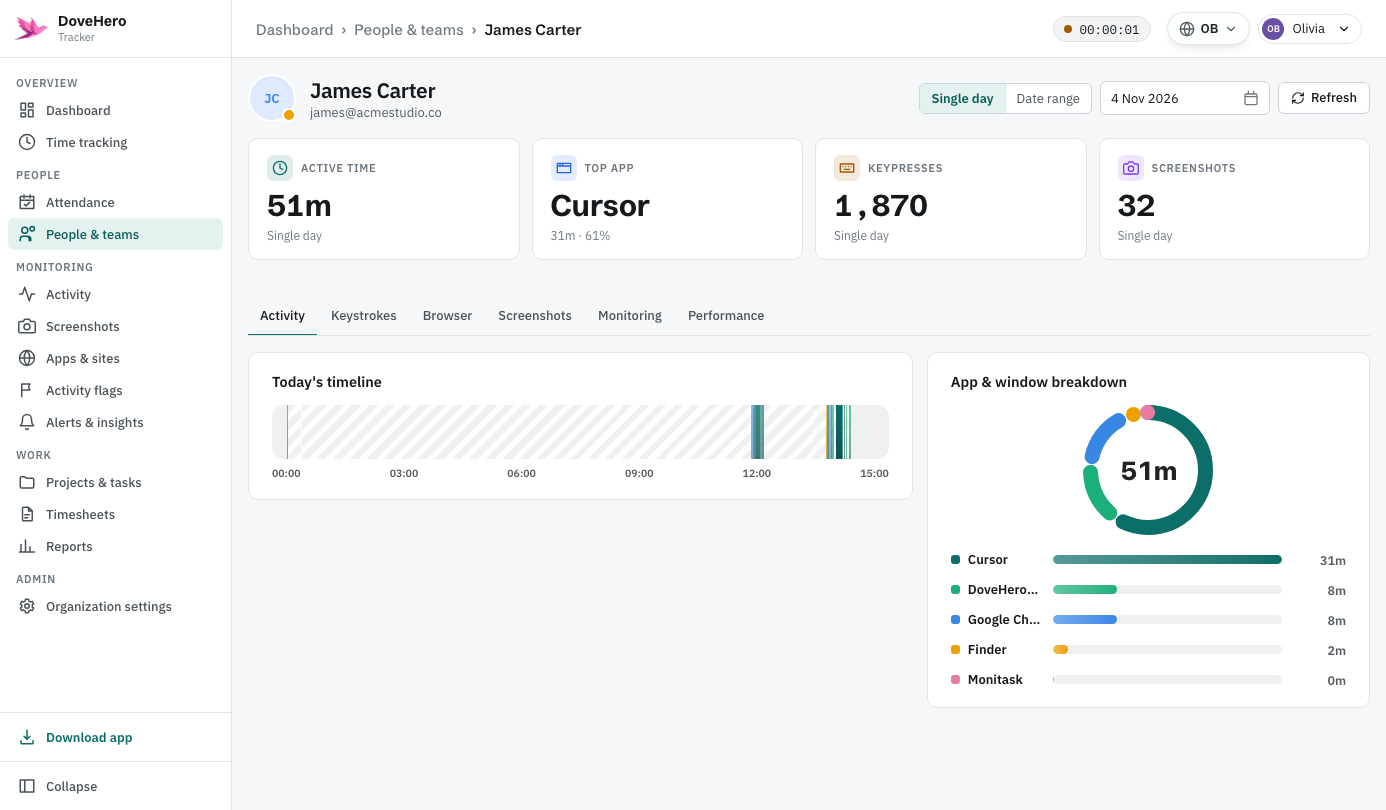
DoveHero Tracker desktop dashboard showing active time, top app, keypresses and screenshots
Active today
6:48:12
4
signals tracked
100%
stored locally first
0
keystrokes recorded
One tracker, three ways to use it.

Yourself, your team or your family — you decide who sees the data.

Just you
Track your own time — 100% local, no account needed.
No account needed
Your team
Time, screenshots and activity for your staff in one dashboard.
Team account
Your family
Gentle, transparent screen-time tracking for your kids.
Family account

Everything that matters. Nothing that doesn't.

Four lightweight signals. No screen-scraping, no typed content.

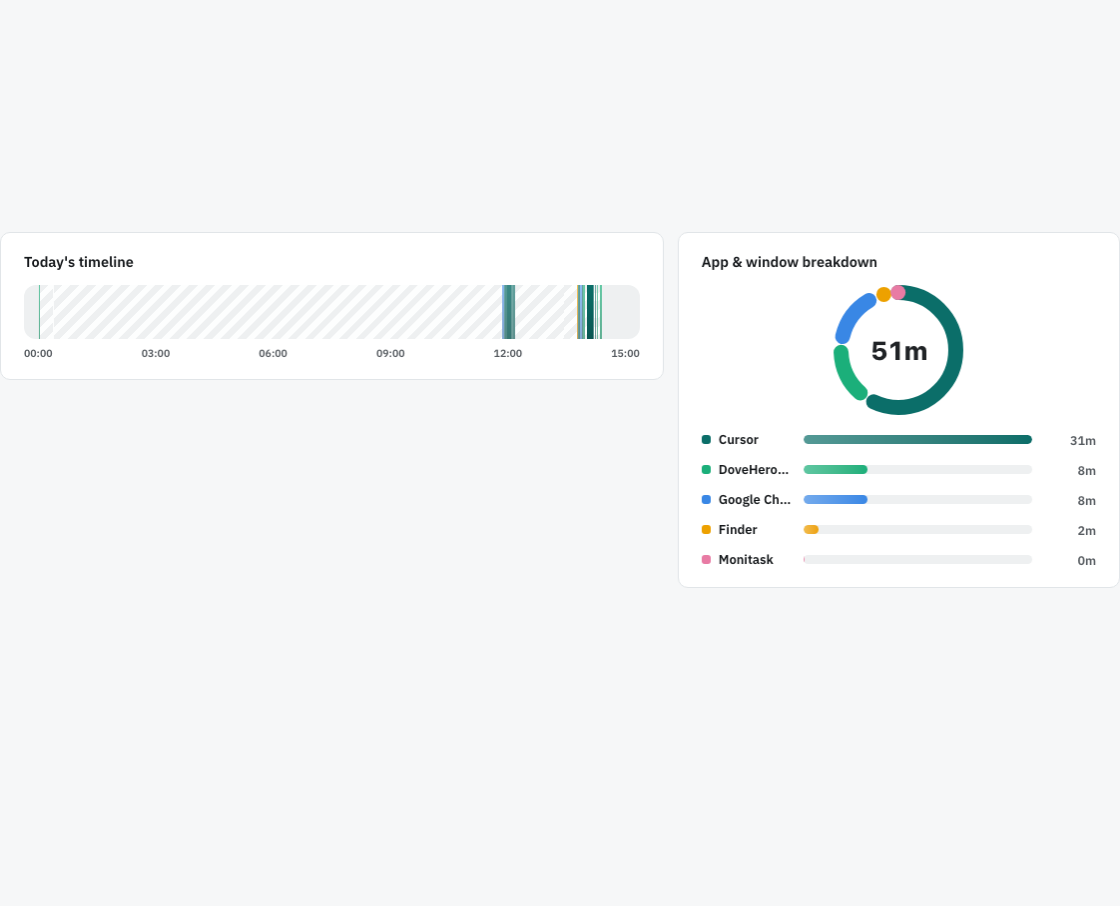
App & window time

Active time per app and window. Idle gaps aren't counted.

App & window time Idle gaps hatched out, never counted Top app & share of the day

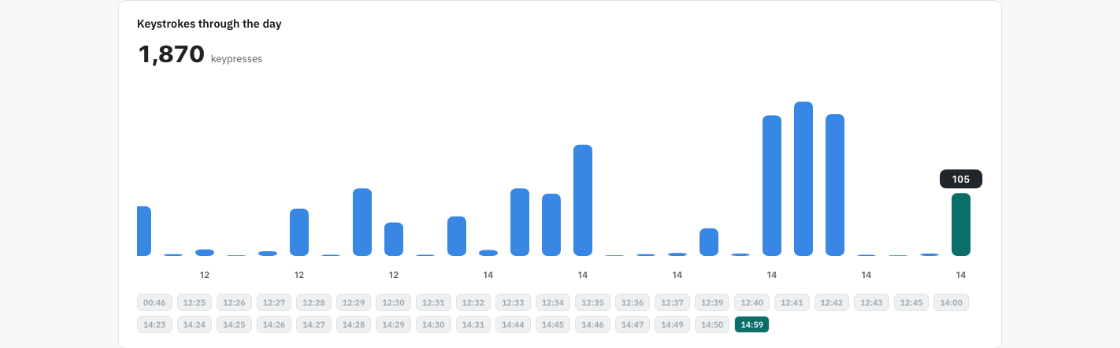
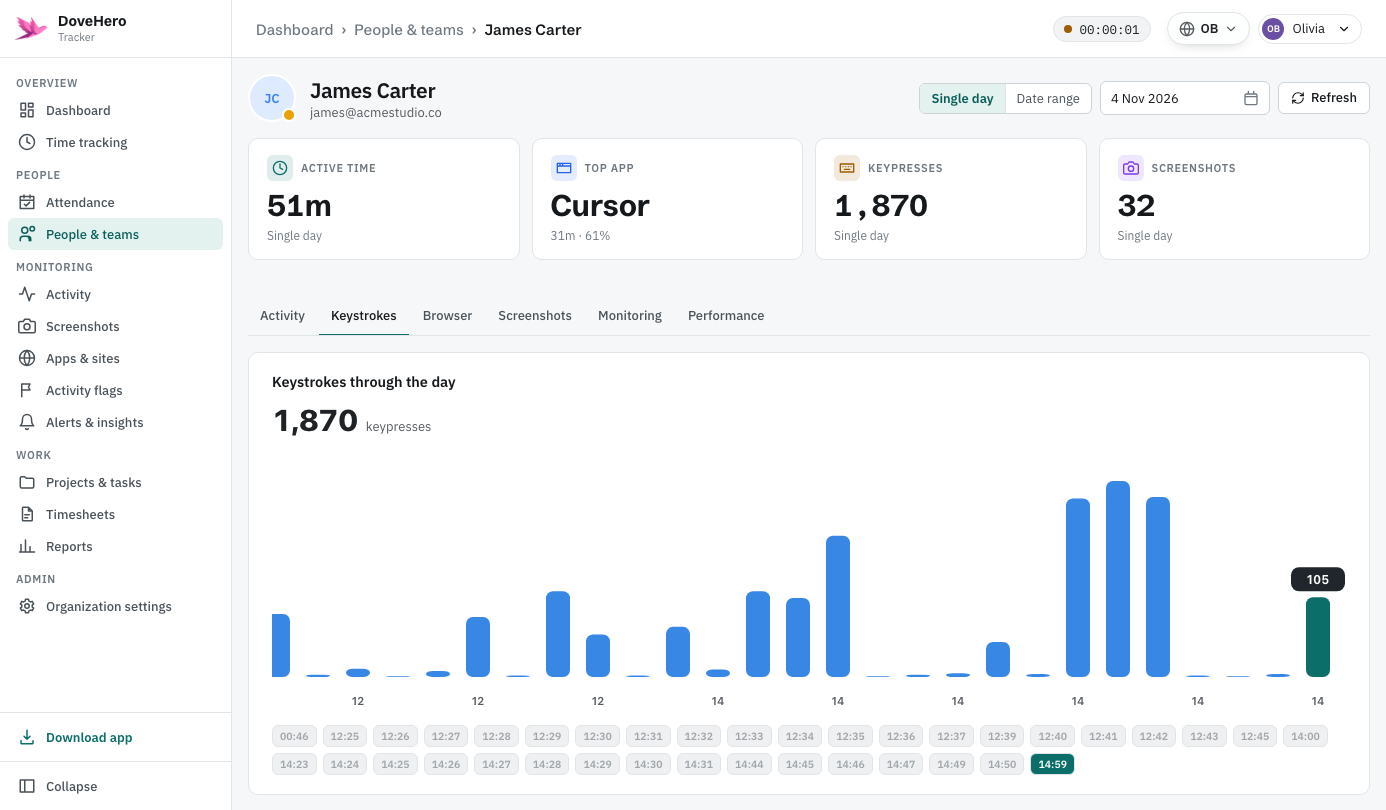
Keystroke volume

Counts only. The actual keys are never stored.

Keystroke volume Counts per minute — never the keys Hover a bar to see the exact minute

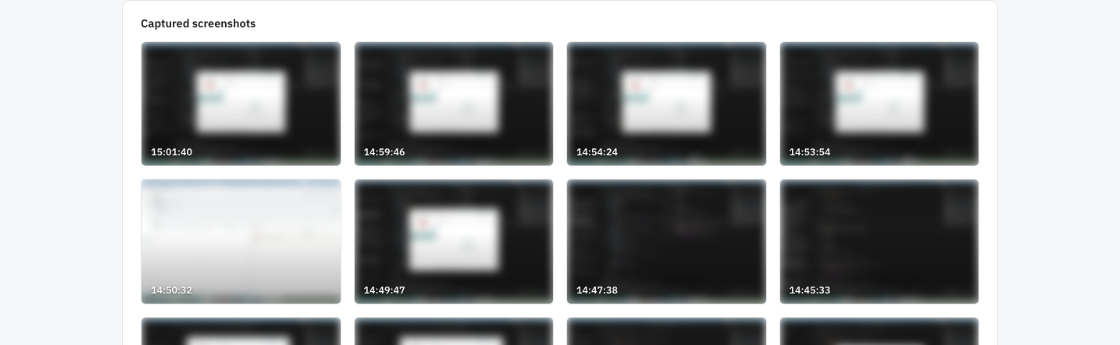
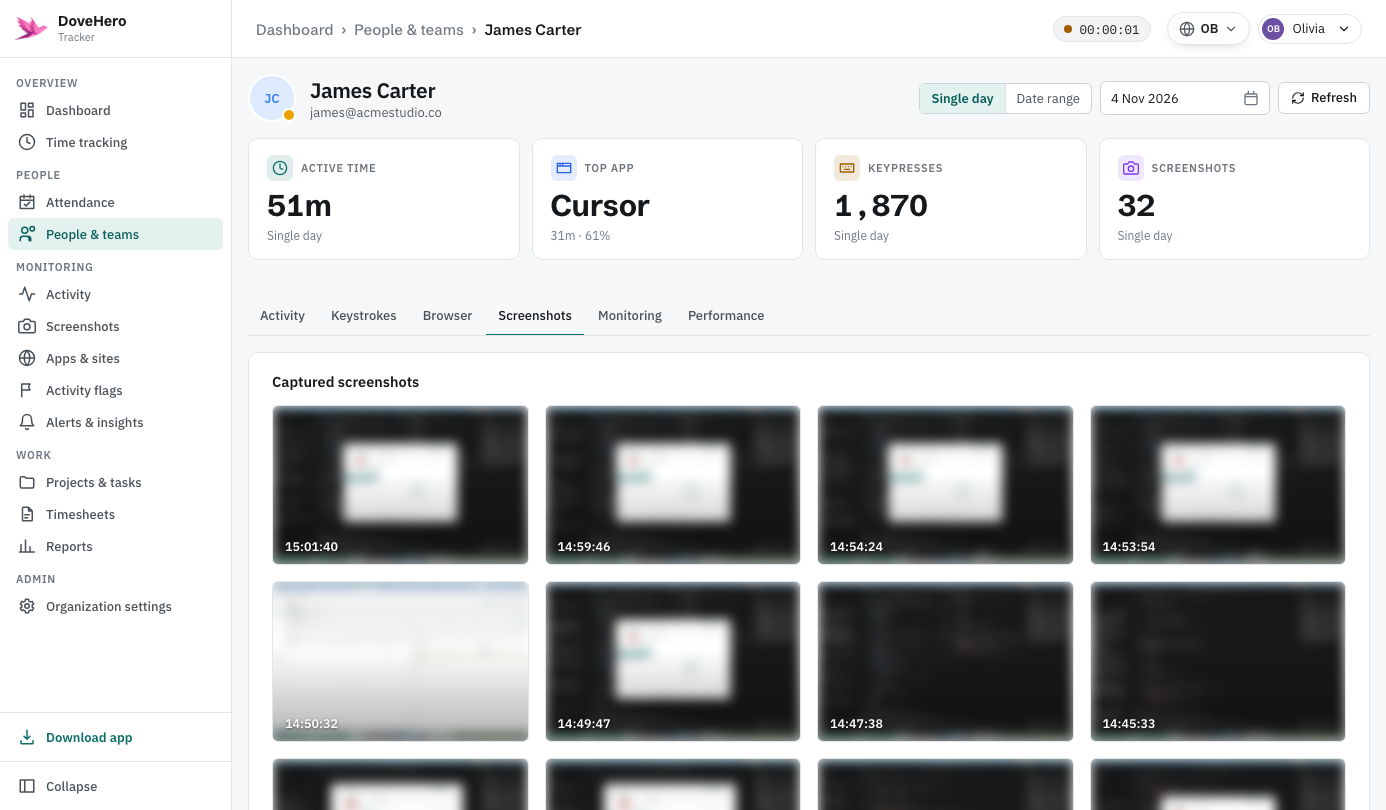
Periodic screenshots

Captured on a set interval and auto-deleted on schedule. Privacy mode records only the active window.

Periodic screenshots Privacy mode: active window only Activity % on every capture
Browser pages & time
A light Chrome extension logs the active page and time.
Local-first storage
Everything is stored on the computer first. Sync is optional.
Menu-bar status
Shows tracking, idle or paused — start or stop in one click.

Monitoring that respects the person.

Transparency isn't a setting — it's how the product is built.

Keys are never recorded
We count key presses. The keys themselves are never stored.
Local-first storage
Activity stays in a local file. Sync is optional and one-way.
Domain-only option
Store just the domain instead of the full URL.
Retention you control
Screenshots auto-delete after a window the org sets.

A quick look, both sides.

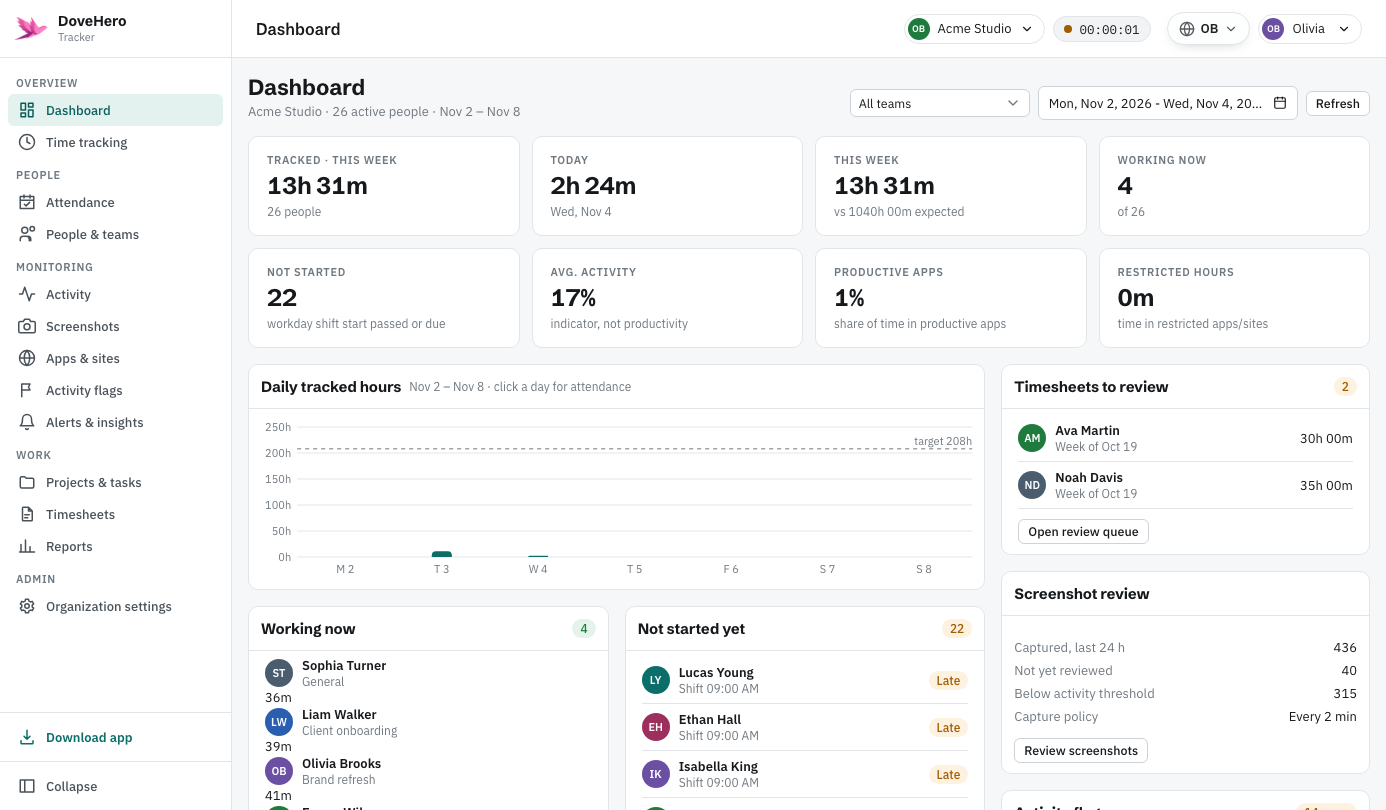
The desktop app employees run, and the dashboard owners use.

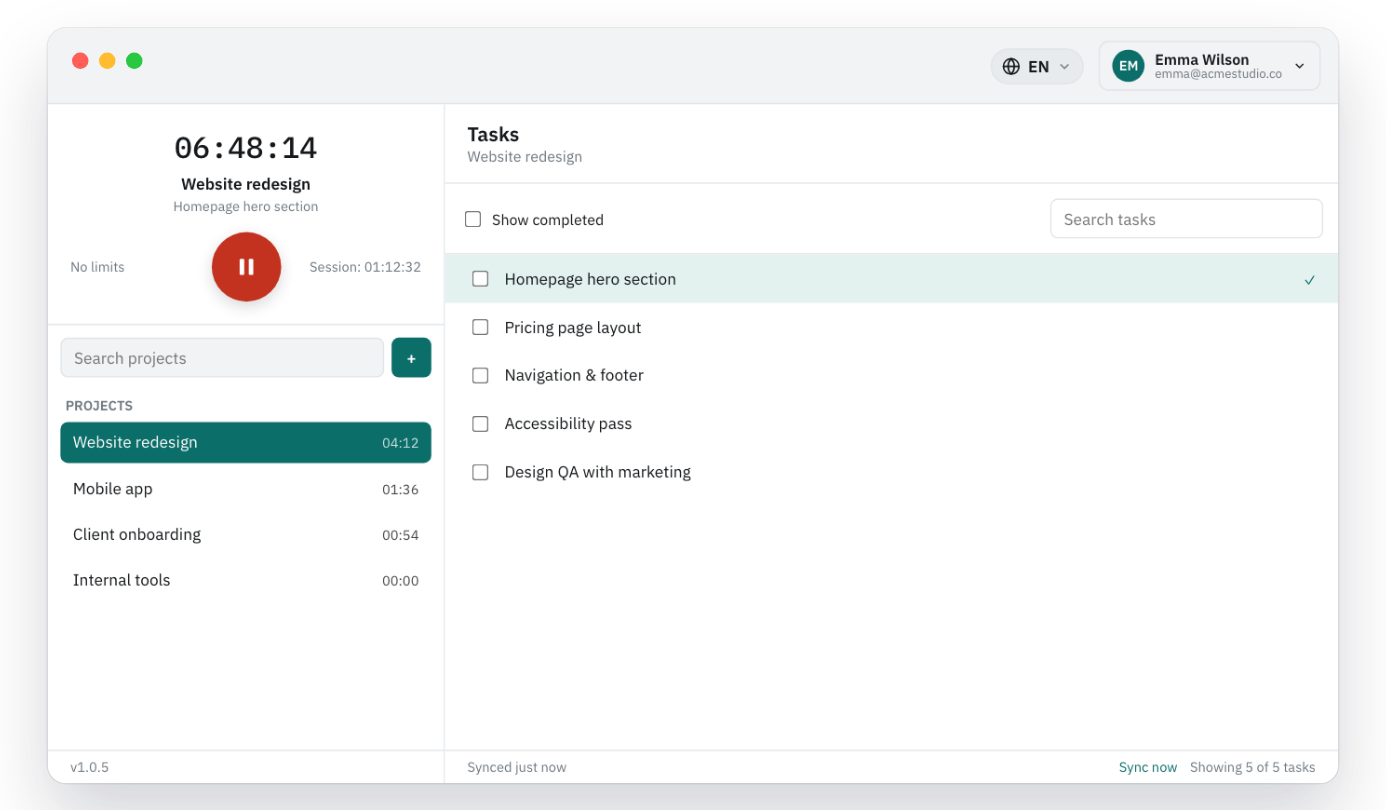
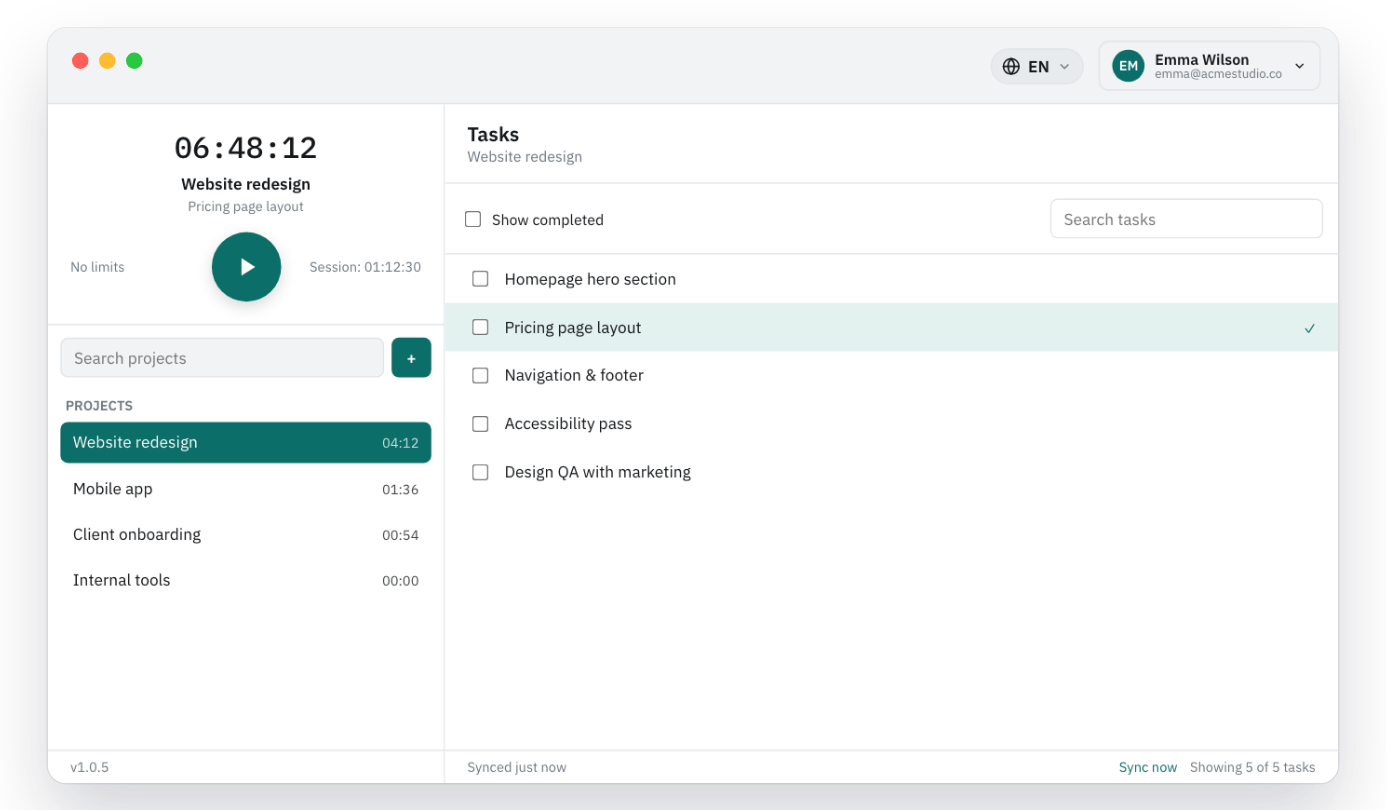
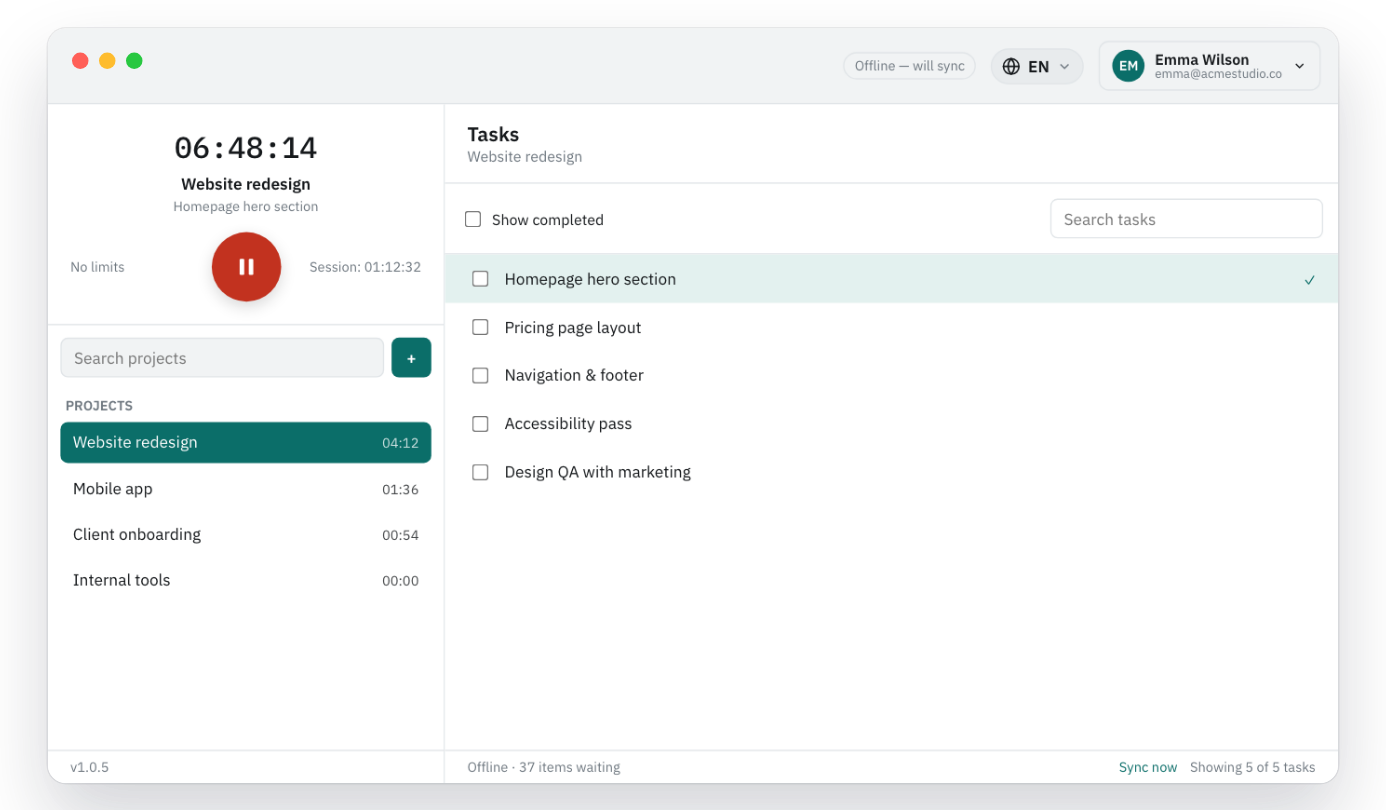
The desktop app employees run.

The desktop app employees run.

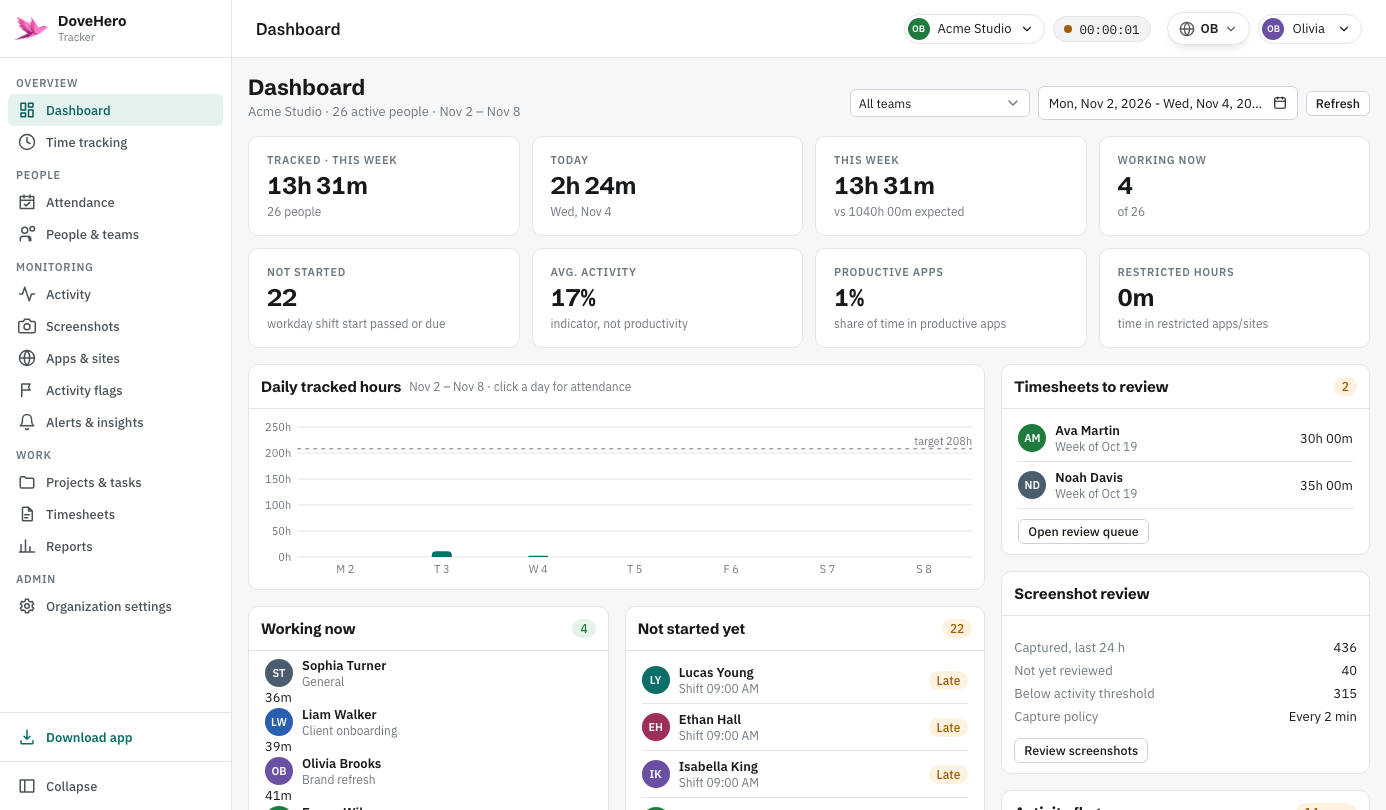
Owner dashboard — drill into any employee.

Owner dashboard — drill into any employee.

Up and running in three steps.

No server setup required to get started.

1
Install the desktop app
Install on macOS, Windows or Linux and grant the capture permissions.
2
Add the Chrome extension
Optional. Logs the domains you visit so browsing shows in reports.
3
Owners watch the rollup
Activity syncs to the dashboard for owners to review.

Built for clarity, on both ends.

The same data, light or dark.

Click any screen to zoom in

Pricing

Plans built around your team.

Tell us about your team and we'll put together the right plan.

Custom
Let's talk

A plan sized to your team, with the retention, support and features you need.

  • Desktop app, Chrome extension & web dashboard
  • Screenshot retention you choose
  • Priority support, onboarding & custom features

Start tracking in under two minutes.

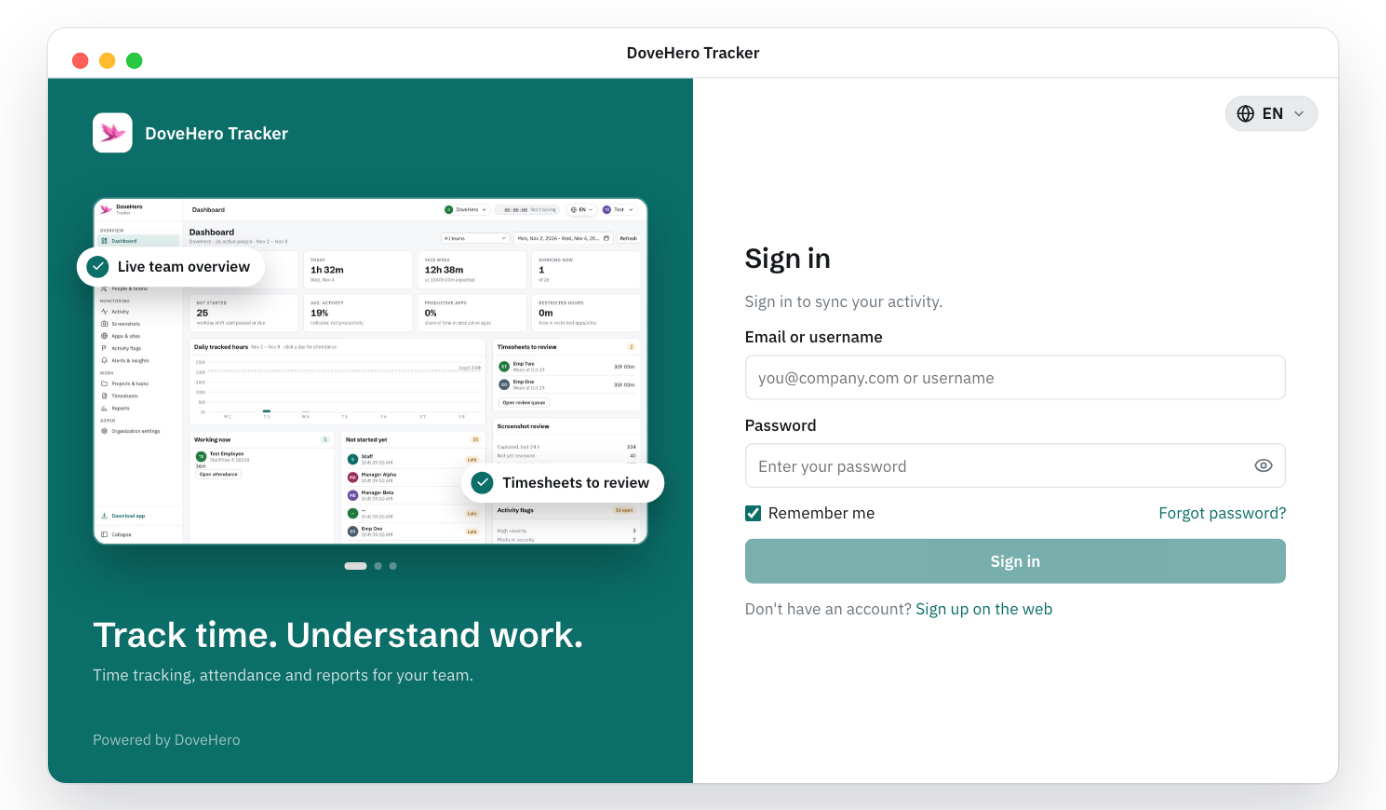
Install the app, sign in with your work account and you're tracking.

Sign up